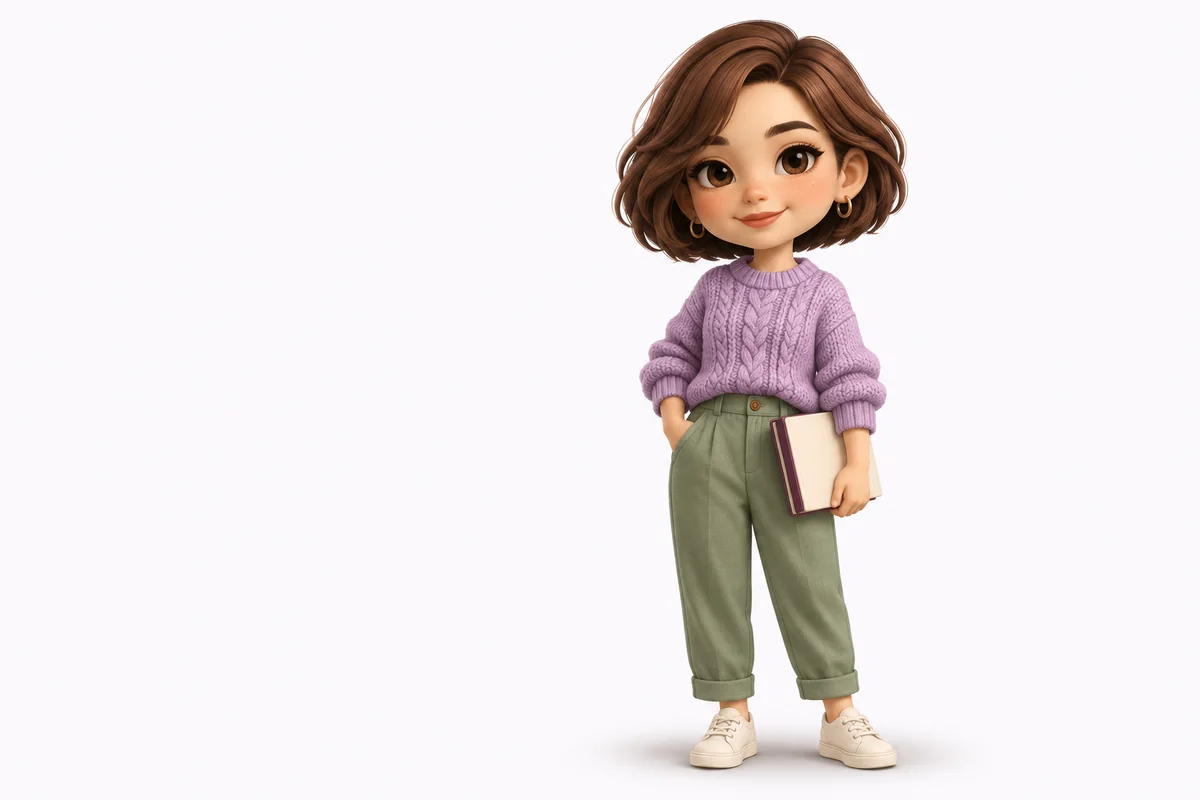
Gift ideas
Custom doll gifts for a girlfriend with her own style
Choose a custom doll gift around your girlfriend's own style, a familiar outfit or a shared memory, then write a note that explains why you chose it.
Read the guidePersonalized doll portraits
Create a personalized chibi figure from your photo, with the hairstyle, outfit and details you recognize. A physical display portrait of someone you know.
Get an AI design preview by email before choosing a size and ordering.
Your photo starts the idea.
Your notes make it personal.
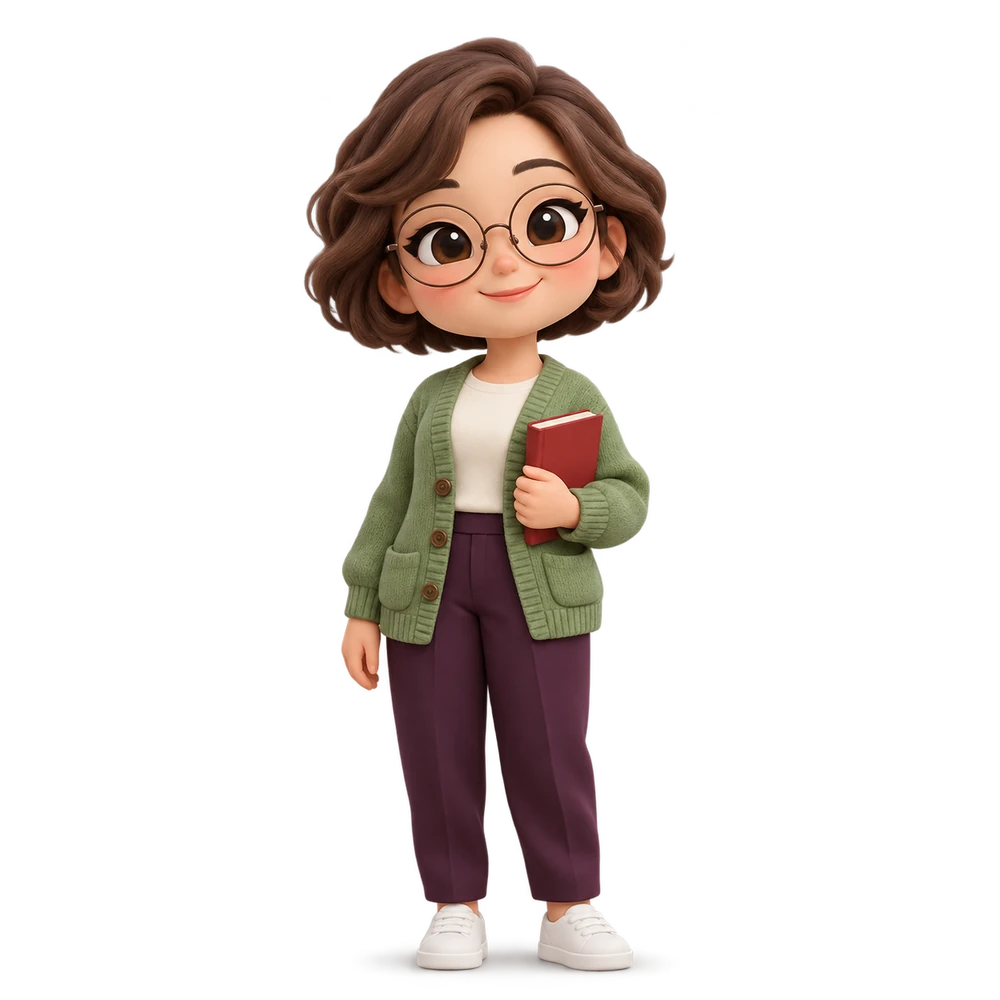 A look worth keeping.
Design inspiration, not a finished-product photo. Finished figures may vary.
A favorite sweater, a shared pose, a familiar companion. These custom doll design examples show different starting points for a portrait. Choose the subject that fits your idea, then describe the details that belong to them.
Explore custom dolls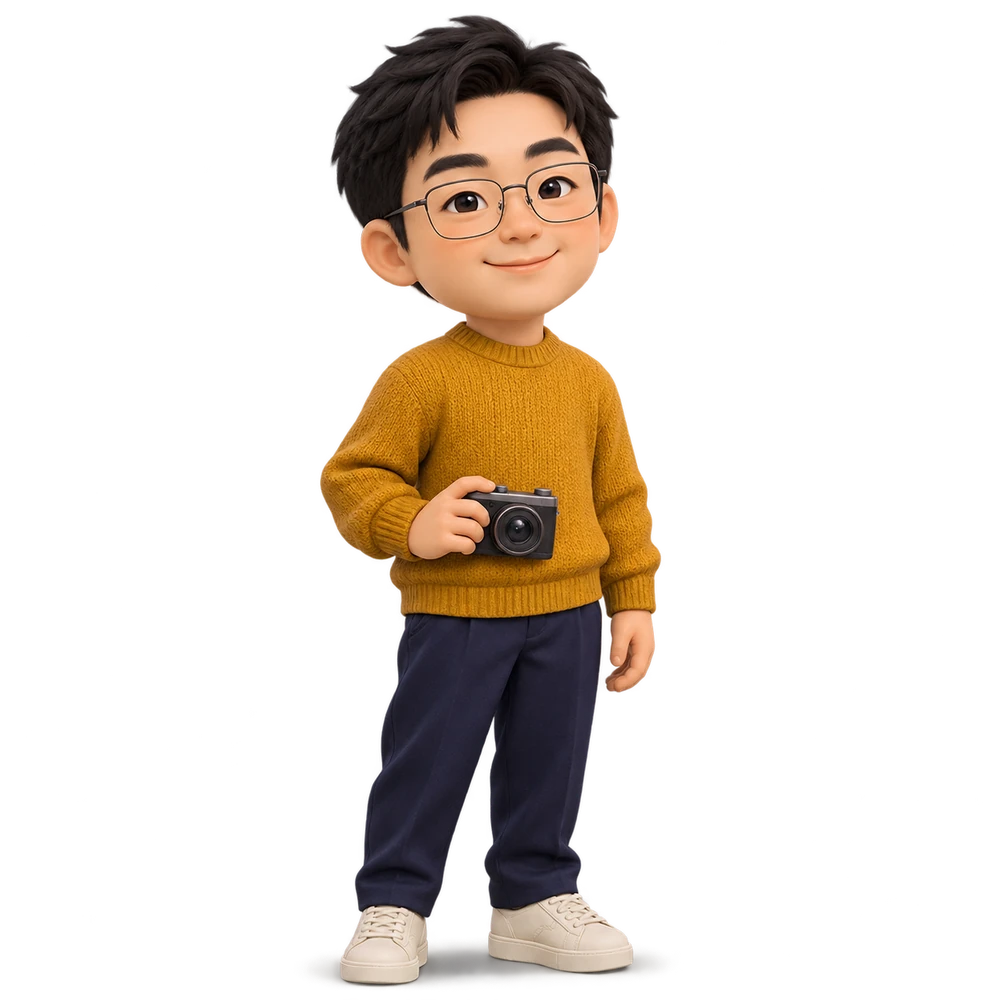 An everyday look
The glasses, the sweater, the way they stand.
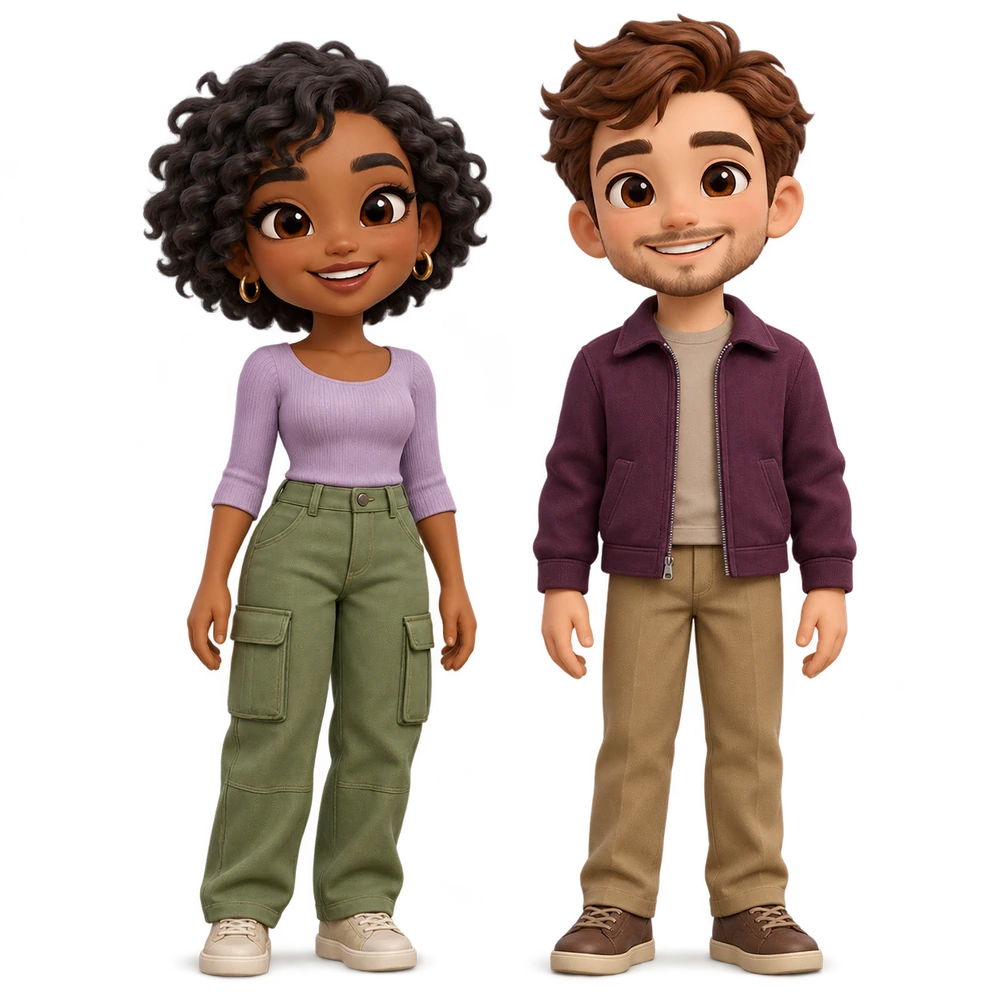 A portrait for two
Two outfits. Two personalities in one portrait.
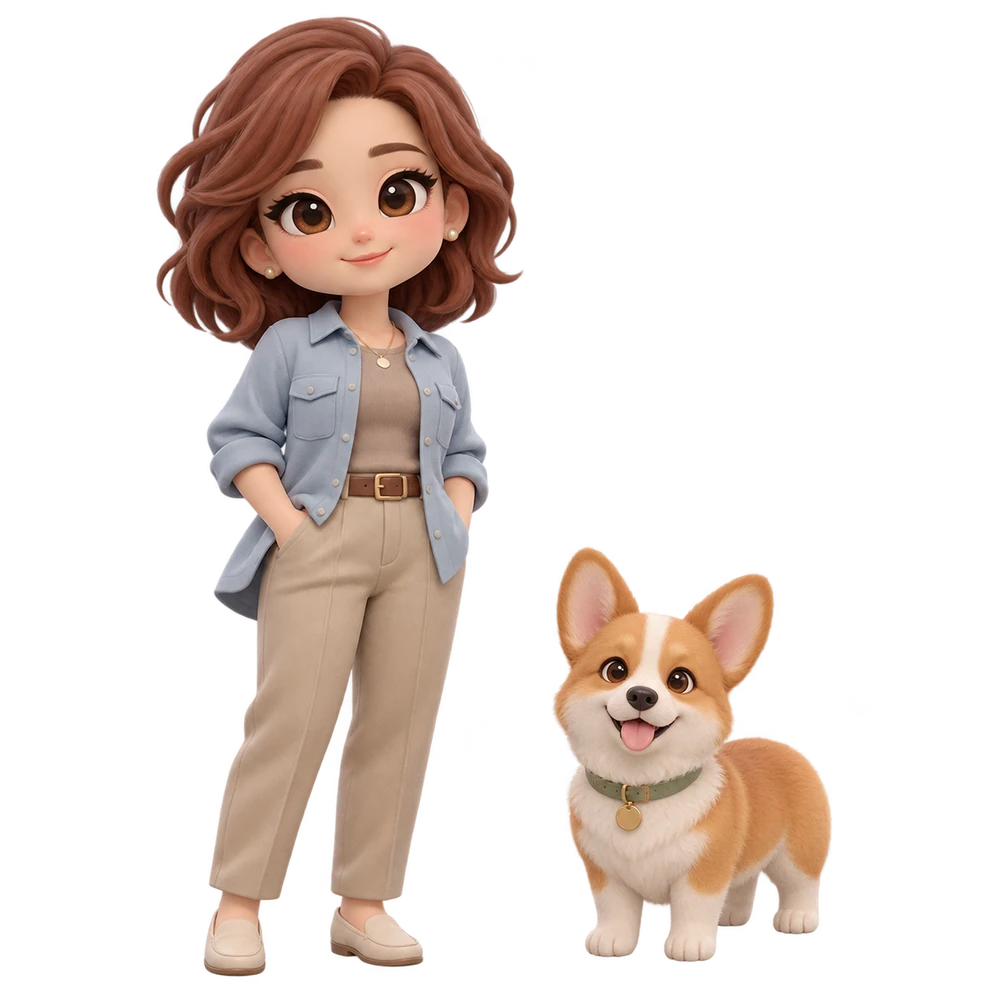 Person and pet
The person you know. The pet they love.
All portrait studies are AI-generated design examples, rather than customer photographs.
You know the person. Your custom doll maker needs the reference and the small details you can explain. A specific brief gives the design a direction without trying to describe every part of their life.
Choose a photograph where the face and hairstyle are easy to see. If the person normally wears glasses, include a reference that shows their shape. For a pair, make sure each person has a useful reference rather than relying on a distant group photograph.
The preview form accepts one image. Combine useful references into one labeled image, or ask the team how to share them. Say which picture guides each detail in your notes. Use images you have permission to share, leaving out unrelated people or personal information.
When planning a custom doll from photo references, consider their favorite cardigan, a familiar work jacket or the clothes someone wears on a weekend walk. Explain the colors and shapes that matter most to you. If two references show different outfits, name the one you want the design to follow.
One meaningful accessory can help tell the story. Describe why it belongs in the portrait, then ask the team whether an essential prop or small part is suitable. The photo and detail guide can help you organize those notes.
The character is in the details
A useful reference is more than a face. Tell us which details make the person recognizable to you. The round glasses they wear every day may matter more than an elaborate background. Start with the features you would notice first, then explain their outfit or a familiar gesture. Use the detail study to think through your own brief.
Build a useful reference briefCurls, a fringe or a familiar parting. Choose a reference that shows the hairstyle clearly.
Start with a reference, review an AI design image, then choose whether to order a physical figure. The preview and the finished product are separate steps.
Photo previews and orders are handled by Custom3DFigure.Upload a clear reference photo on Custom3DFigure. Choose the matching subject type and say which outfit, pose and personal details you want to keep. Use the notes to explain anything the photograph does not show.
Your AI design preview arrives by email. Use the private link to review the image and the details that matter to you. Look at the overall silhouette as well as the face, clothing and placement of accessories.
Review the available sizes, quantity and final price through your private link. Confirm the design and your choices before ordering your physical figure on Custom3DFigure. Ask the team about any essential detail before you pay.
The preview is a digital design image. A physical figure is purchased separately after you review its options.
Start my doll portraitA person, a pair or a familiar companion.
Choose your subject in the photo form.
Each image is an AI design example.
Begin with their face and signature outfit.
Start this portraitKeep both faces visible in your reference.
Start this portrait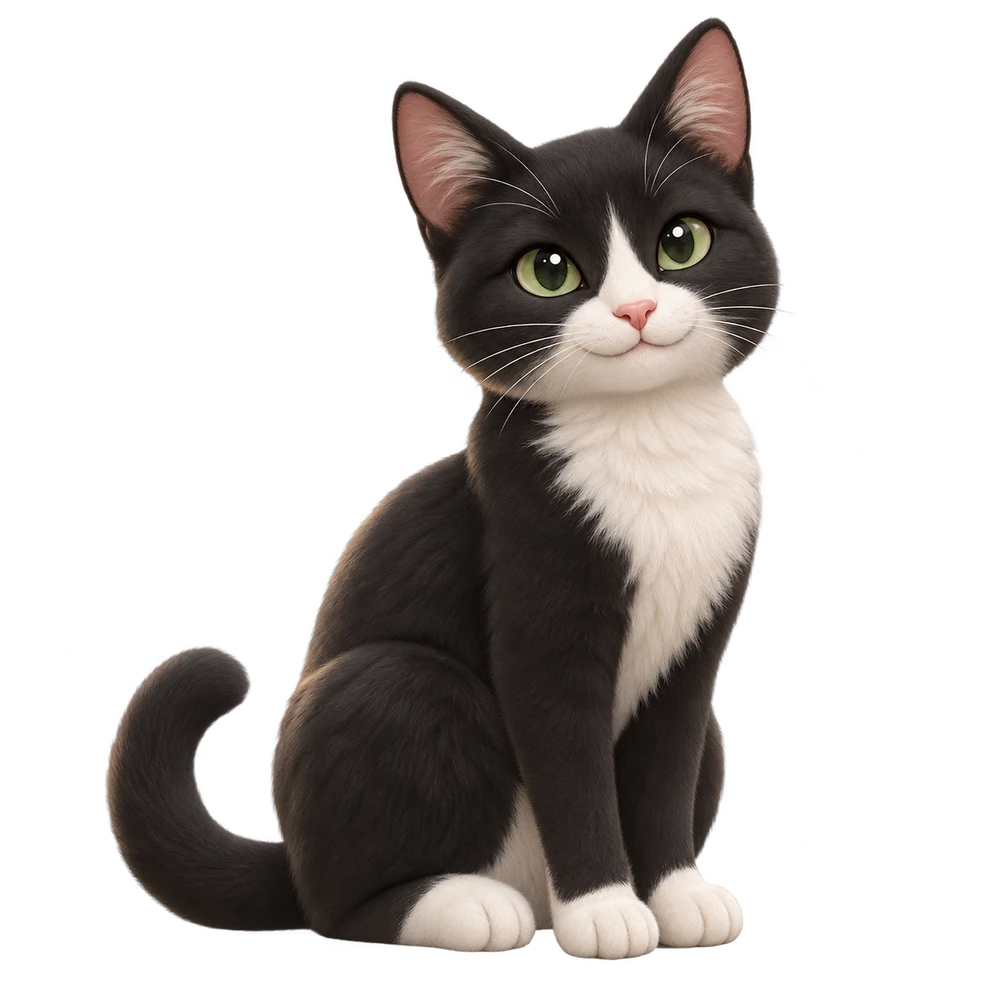
Show their ears, face and coat markings.
Start this portrait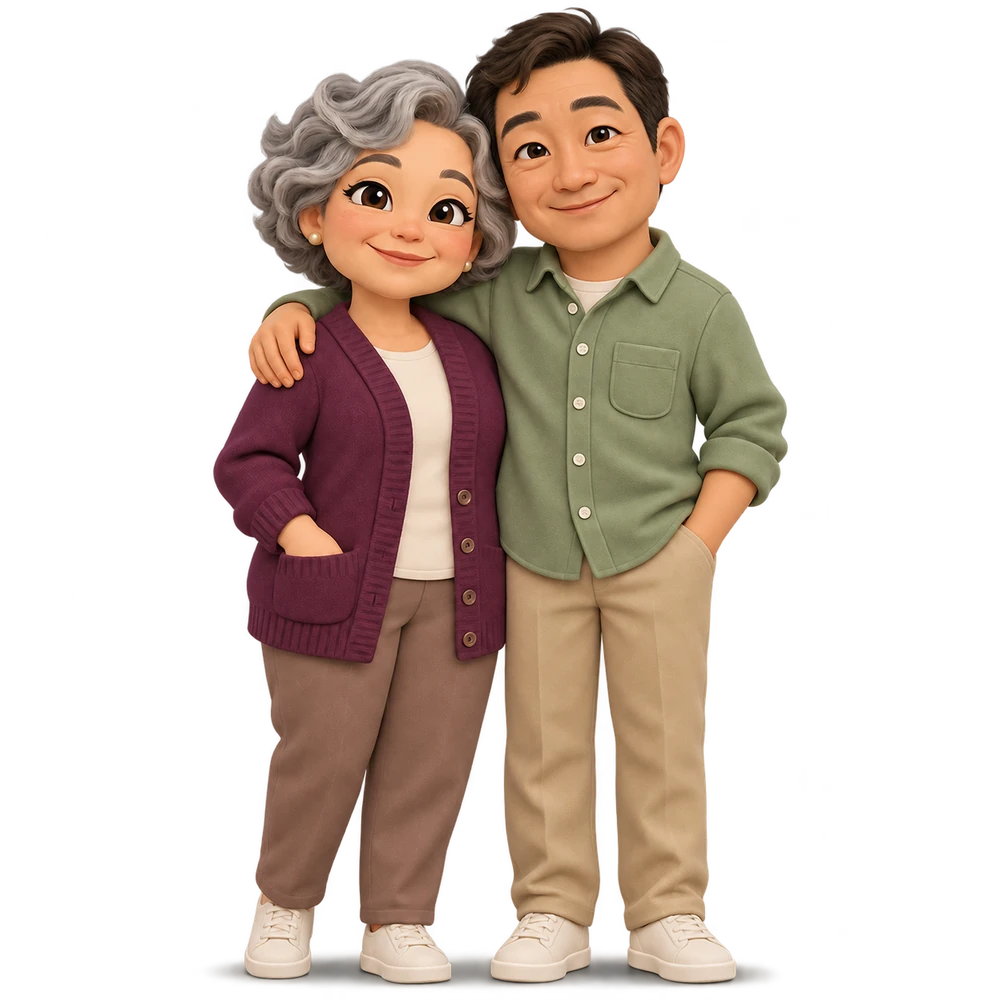
Two people sharing one pose.
Start this portraitGive each person a clear reference.
Start this portrait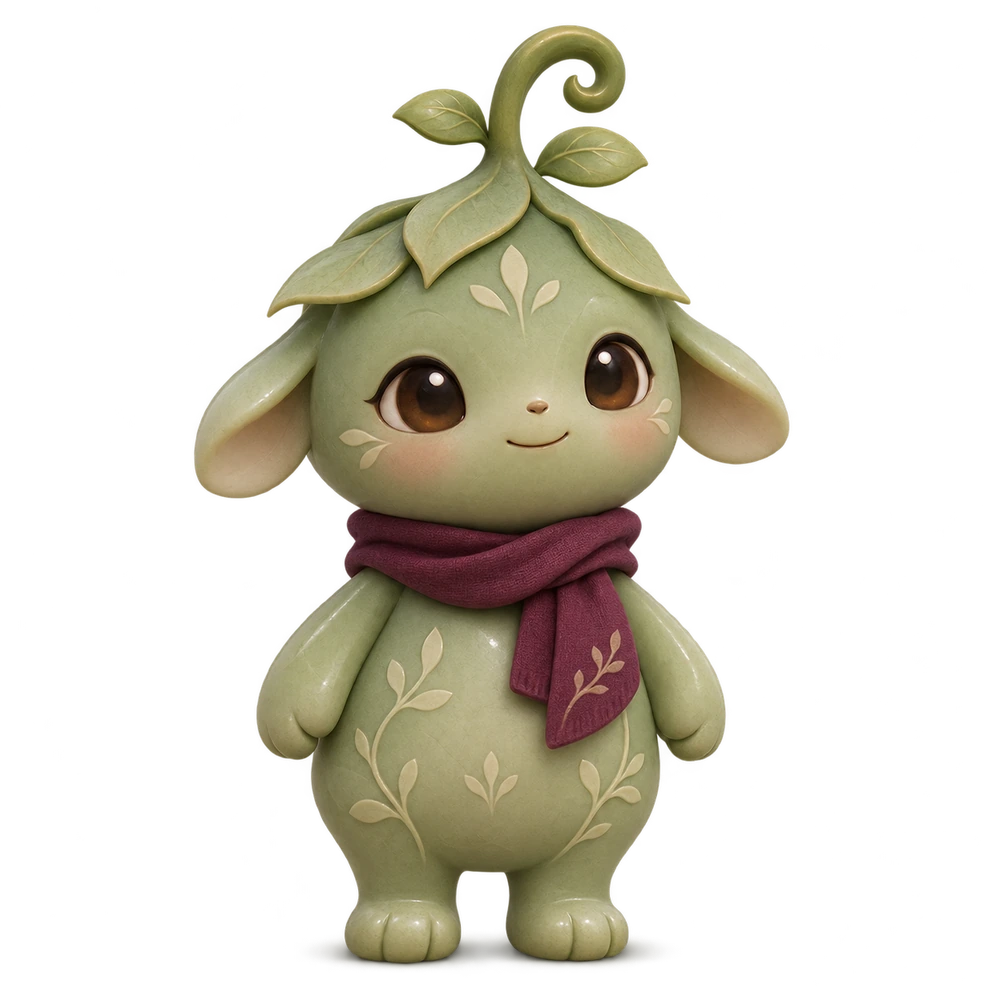
Use a reference you have permission to share.
Start this portraitA group of three or more, or something more complex? Ask the team before starting.
AI design exampleA place for a familiar face
A desk beside your books. A shelf with the things you keep. Picture where the figure will live when you choose an available size. Think about the space around it and whether a single person or a pair suits that spot. Check the actual options before placing your order.
Start with a favorite everyday look, rather than an occasion.
Choose two people together or side by side, with a pose that suits them.
Begin with what you appreciate about the person. A useful idea can come from an everyday moment, a shared hobby or a change in their life. The occasion gives you a starting point; the details make the portrait personal.
A teacher is also the person who brings a book to class. A colleague may be known for a jacket or a coffee cup beside their desk. Choose details you actually associate with the recipient, rather than filling the brief with symbols of a profession.
Custom dolls can also start with a partner, a friend or yourself. Think about the outfit they would choose and the pose that feels familiar. For a person and pet, show both faces clearly and describe the coat markings you want the preview to reflect.
For graduation, you might choose the gown or an outfit that represents life after the ceremony. For an anniversary, a shared pose can recall a moment together. A retirement portrait could begin with a favorite hobby rather than a work uniform. Choose the direction that the recipient would recognize.
Write a short note explaining your choice. That context can travel with the gift even when the design stays simple. If an event date matters, check timing with the team before ordering. Review the available options and policies on Custom3DFigure instead of assuming a delivery date.
Explore practical guides for choosing a custom doll gift, from a familiar everyday look to a graduation portrait. Each article helps you decide what to include in the reference and what to say in the note you give with it.
Read the custom doll guidesGift ideas
Choose a custom doll gift around your girlfriend's own style, a familiar outfit or a shared memory, then write a note that explains why you chose it.
Read the guide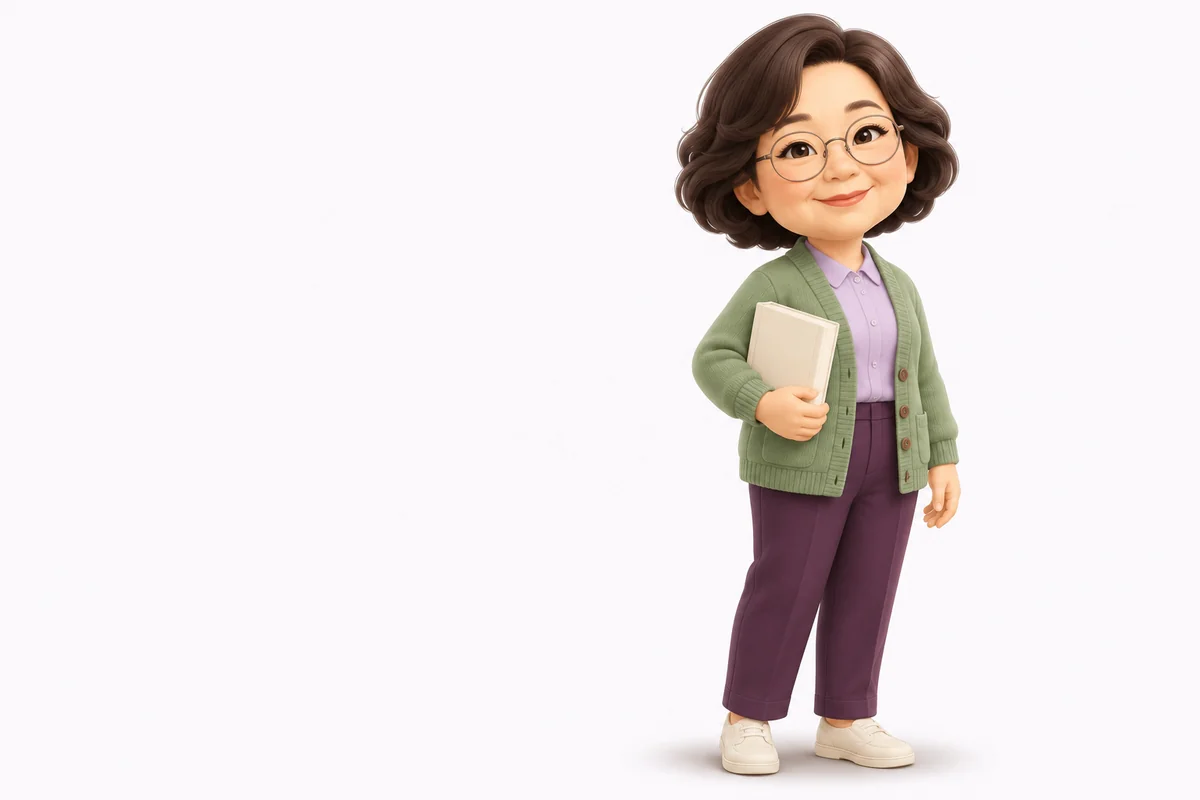
Profession gifts
Choose a teacher doll gift around a classroom memory, then turn that moment into a simple design and a thoughtful note from the people giving it.
Read the guide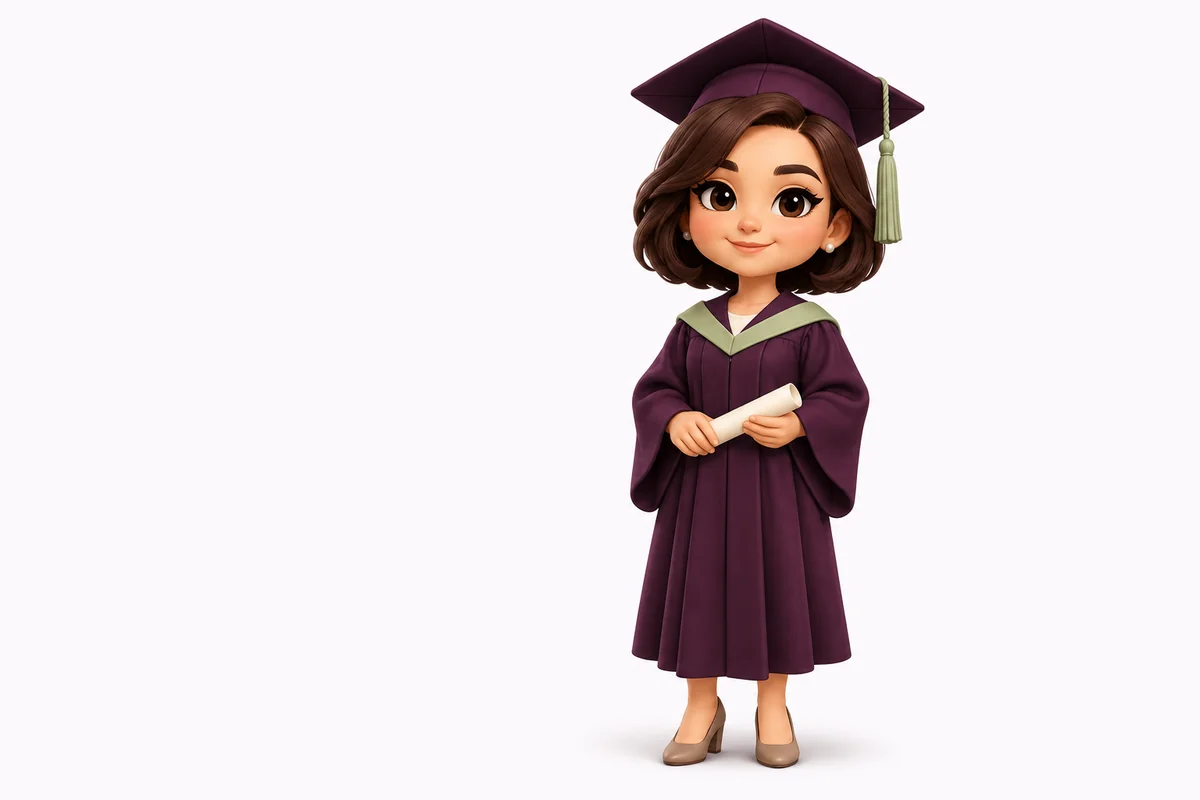
Life milestones
Choose a graduation doll theme around the person behind the gown. Plan meaningful details, a useful gift note and a place for the portrait after…
Read the guideUseful answers about personalized dolls, the AI design preview and the physical figure. For a requirement that matters to your order, ask the team directly before starting.
Ask the teamA personalized physical figure with chibi proportions: a larger head and a smaller body. Your photo guides a stylized portrait. This offer is for a display figure.
Add clear notes and reference images for the outfit, hair, pose or accessory you want to explore. Ask the team about any detail that is essential to your order, especially complex props or small parts.
Start with a photo to open Custom3DFigure. Choose the matching figure type, upload your reference and leave your email address for the AI design preview.
It is a digital design image sent by email so you can review the idea. It is not a photograph of a finished figure. The physical figure is a separate purchase.
Use the private link in your preview email to review your design, choose an available size and quantity, and see the final price. Confirm your choices before continuing to checkout on Custom3DFigure.
The standard choices are one person, a person with one pet, one pet, two people in a connected pose, two people side by side, or a non-human character. Contact the team first for three or more people or a different combination.
Images labeled AI design examples show possible design directions. They are not photographs of customer orders or proof of a particular material or finish.
Bring the look you recognize. Choose a clear photo, name the details that matter and begin your personalized doll portrait. Your next step opens the photo form on Custom3DFigure.
Start my doll portraitPhoto previews and orders are handled by Custom3DFigure.